
MK-1 / SETUP GUIDE
Set up your MK-1.
A step-by-step guide to mounting, powering and checking your Starlink Mini setup.
Before you begin.
Choose stable ground with a clear view of the sky. Check your MK-1, Starlink Mini, adapter, fasteners and cables for damage.
Follow the instructions for your product version. Stop if the equipment or conditions make the setup unsafe.
ASSEMBLE YOUR SETUP
One connection at a time.
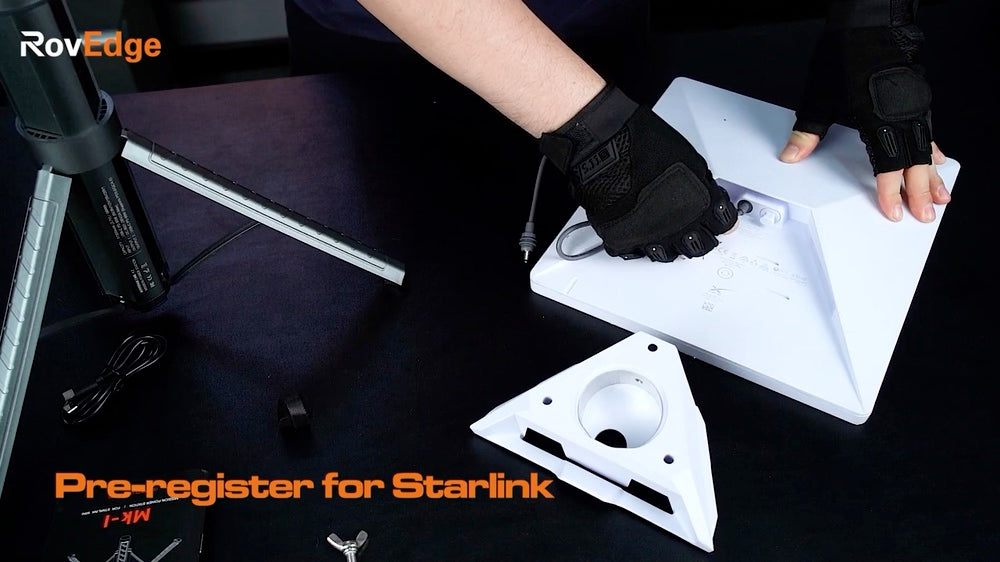
01
Fit the adapter.
Attach the Mini adapter using the appropriate fasteners. Follow the fitting instructions for your product version.
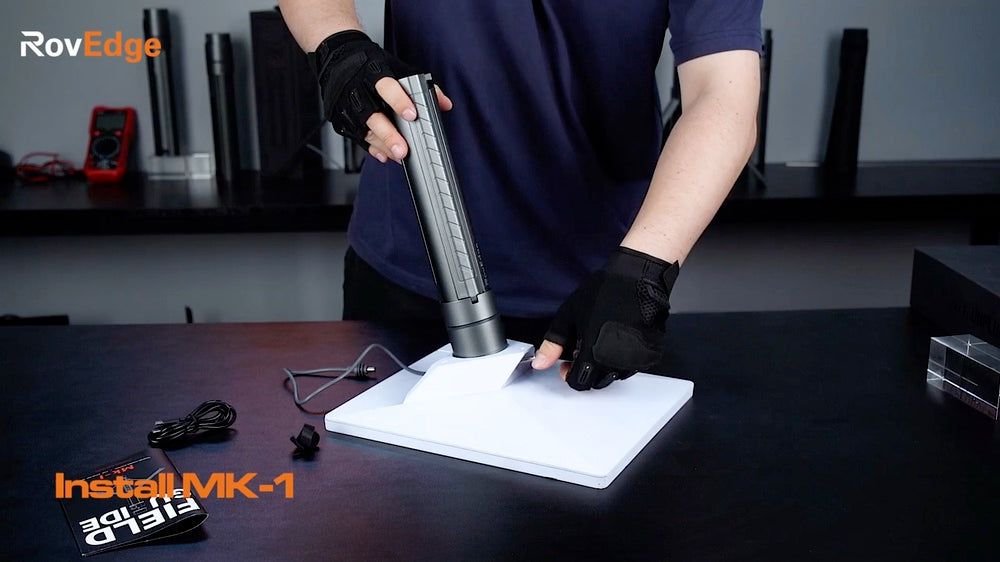
02
Mount your Mini.
Connect the adapter to the top of MK-1. Check that the mounting connection is secure before moving the setup.
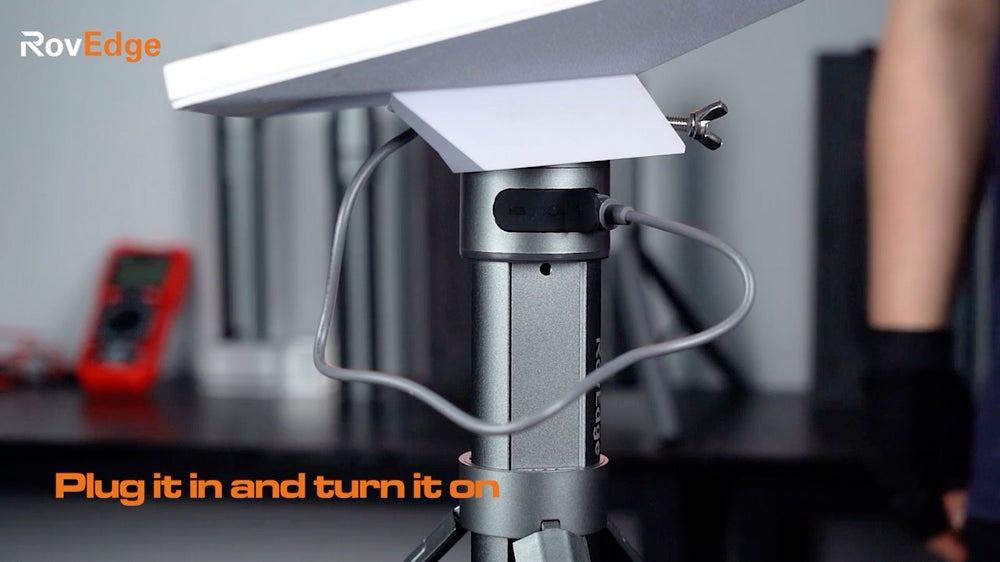
03
Connect DC power.
Connect the dedicated DC cable between MK-1 and Starlink Mini. Check the connection and leave the cable path clear.
READY TO USE
Position. Power on.
Check.
- Position the tripod.
Use the tripod release button, extend the legs and place the setup on stable ground. Check the mounting connection and cable path.
- Switch on MK-1.
Press the power button once to turn on the unit.
- Check your connection.
Use the Starlink app to check connection status. The MK-1 light ring indicates battery, charging and mode status; it does not confirm internet connectivity.
SEE THE SEQUENCE
Watch the setup.
EVERYDAY CONTROLS
One button. Three actions.
- Press once
- Power on or off.
- Press twice
- Switch between operating and ambient light modes.
- Hold for 3 seconds
- Turn off the lights while keeping power on.
Recheck the setup when wind, weather, ground conditions or the surrounding environment changes.